FAQ
Abnormal noise at the robot’s connection joint
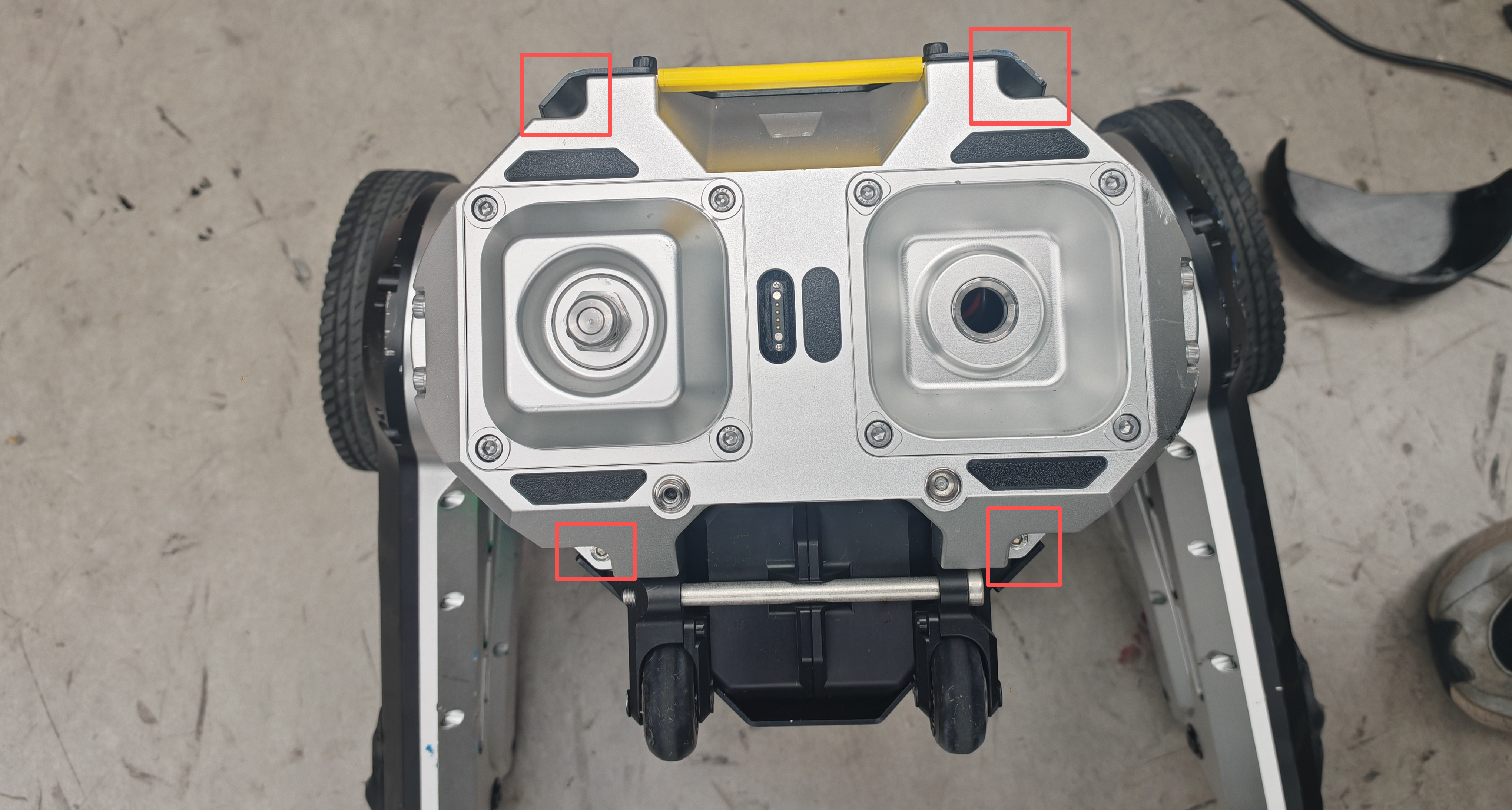
If abnormal noise is heard at the robot’s connection joint, it may be caused by loosened screws in the connecting mechanism. To facilitate quick disassembly/installation or replacement of the docking mechanism, no anti-loosening measures are applied to the screws at the connection. Users should regularly check the tightness of the connection screws during use. If any looseness is found, tighten them with an Allen (hex) key.
Leg Zero Position Calibration
robot@d1:~$ ros2 run canfd_api leg_zero_calibration -h
Usage: leg_zero_calibration [options]
Options:
  -c, --can-interface  CAN interface name (default: can0)
  -r, --read           Read joint status
  -l, --leg            Leg name (left/right) (default: left)
  -h, --help           Show this help message
Perform Zero Position Calibration Separate the master and slave units first, then calibrate them one by one. Enter the following command in the terminal:
ros2 run canfd_api leg_zero_calibration -l left
Please place the left leg at the zero position, then press Enter...
Move the corresponding leg to the mechanical zero position first, then press Enter…
For the other leg, replace left with right and repeat the above steps. Then restart the device.
Print the Deviation Between Current Position and Mechanical Zero Position You can check whether the calibration is successful with this command.
ros2 run canfd_api leg_zero_calibration -r
# Read joint imu status...
# motor[0] Kinematics Position: 0.229697  Mechanical Position: -0.555701
# motor[1] Kinematics Position: 1.29583   Mechanical Position: -2.10756
# motor[2] Kinematics Position: -2.75634  Mechanical Position: -1.88839
# motor[3] Kinematics Position: -2.69203  Mechanical Position: -2.69203
# motor[4] Kinematics Position: -0.237942         Mechanical Position: 0.547456
# motor[5] Kinematics Position: 1.29602   Mechanical Position: -2.10737
# motor[6] Kinematics Position: -2.75768  Mechanical Position: -1.88973
# motor[7] Kinematics Position: -2.32942  Mechanical Position: -2.32942